

-
Click on the
Editbutton next to the set of roles for user or identities.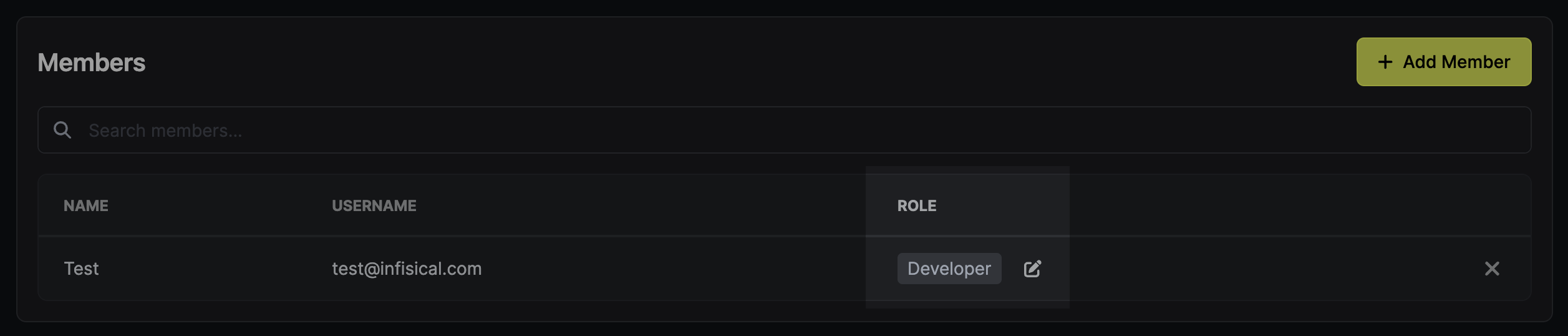
-
Click
Add Additional Privilegesin the corresponding section of the permission management modal.
-
Fill out the necessary parameters in the privilege entry that appears. It is possible to specify the
EnvironmentandSecret Pathto which you want to enable access. It is also possible to define the range of permissions (View,Create,Modify,Delete) as well as how long the access should last (e.g., permanent or timed).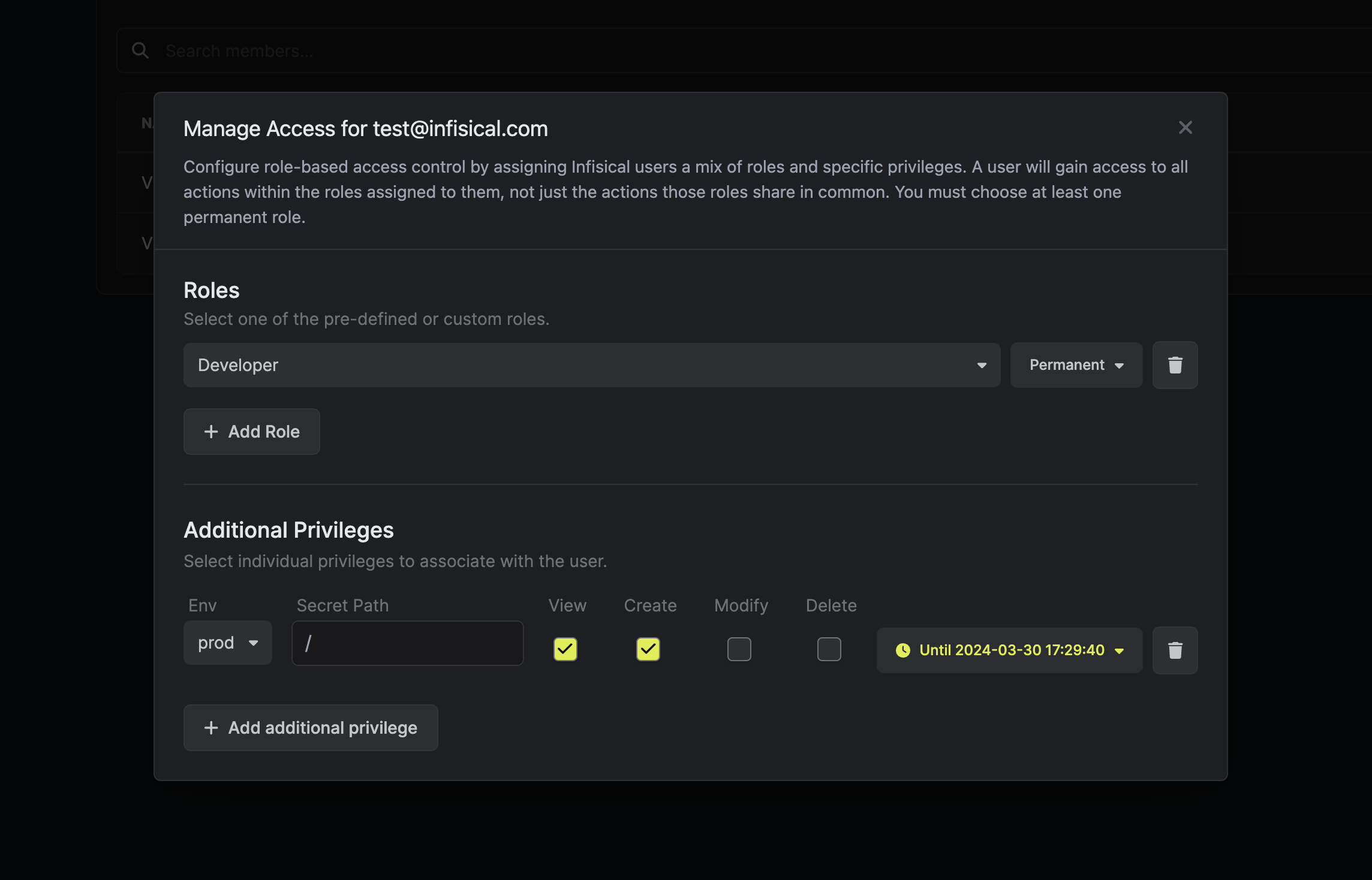
-
Click the
Savebutton to enable the additional privilege.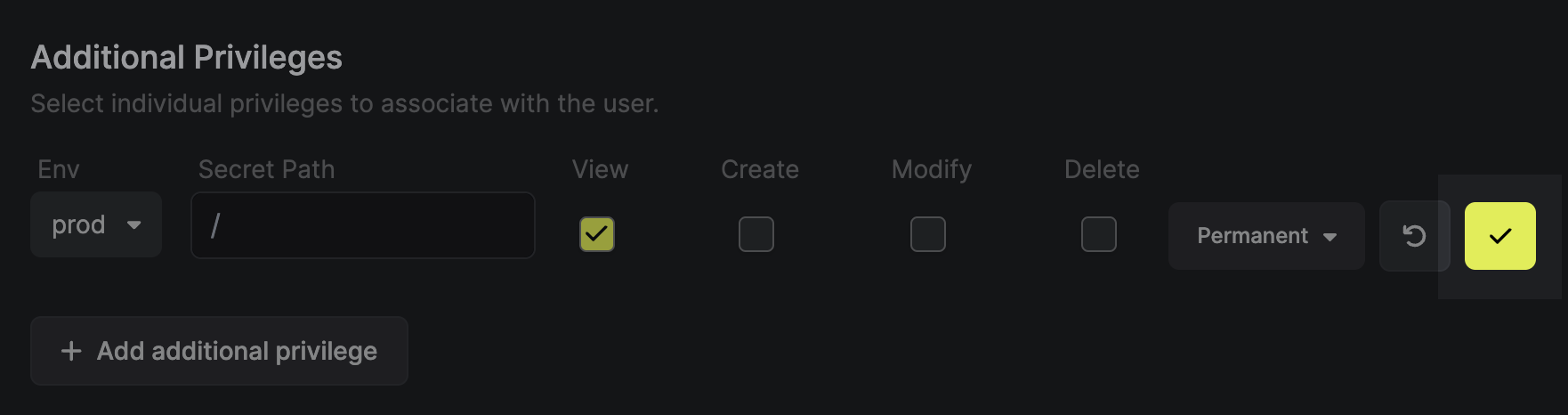
Access Control
Additional Privileges
Learn how to add specific privileges on top of predefined roles.
Even though Infisical supports full-fledged role-base access controls with ability to set predefined permissions for user and machine identities, it is sometimes desired to set additional privileges for specific user or machine identities on top of their roles.
Infisical Additional Privileges functionality enables specific permissions with access to sensitive secrets/folders by identities within certain projects. It is possible to set up additional privileges through Web UI or API.
To provision specific privileges through Web UI:
Was this page helpful?