> ## Documentation Index
> Fetch the complete documentation index at: https://infisical-test-ldap-connection.mintlify.site/llms.txt
> Use this file to discover all available pages before exploring further.
# Docker Compose
> Read how to run Infisical with Docker Compose template.
Install Infisical using Docker compose. This self hosting method contains all of the required components needed
to run a functional instance of Infisical.
## Prerequisites
* [Docker](https://docs.docker.com/engine/install/)
* [Docker compose](https://docs.docker.com/compose/install/)
This Docker Compose configuration is not designed for high-availability production scenarios.
It includes just the essential components needed to set up an Infisical proof of concept (POC).
Additional configuration is required to enhance data redundancy and ensure higher availability for production environments.
## Verify prerequisites
To verify that Docker compose and Docker are installed on the machine where you plan to install Infisical, run the following commands.
Check for docker installation
```bash
docker
```
Check for docker compose installation
```bash
docker-compose
```
## Download docker compose file
You can obtain the Infisical docker compose file by using a command-line downloader such as `wget` or `curl`.
If your system doesn't have either of these, you can use a equivalent command that works with your machine.
```bash
curl -o docker-compose.prod.yml https://raw.githubusercontent.com/Infisical/infisical/main/docker-compose.prod.yml
```
```bash
wget -O docker-compose.prod.yml https://raw.githubusercontent.com/Infisical/infisical/main/docker-compose.prod.yml
```
## Configure instance credentials
Infisical requires a set of credentials used for connecting to dependent services such as Postgres, Redis, etc.
The default credentials can be downloaded using the one of the commands listed below.
```bash
curl -o .env https://raw.githubusercontent.com/Infisical/infisical/main/.env.example
```
```bash
wget -O .env https://raw.githubusercontent.com/Infisical/infisical/main/.env.example
```
Once downloaded, the credentials file will be saved to your working directly as `.env` file.
View all available configurations [here](/self-hosting/configuration/envars).
The default .env file contains credentials that are intended solely for testing purposes.
Please generate a new `ENCRYPTION_KEY` and `AUTH_SECRET` for use outside of testing.
Instructions to do so, can be found [here](/self-hosting/configuration/envars).
## Start Infisical
Run the command below to start Infisical and all related services.
```bash
docker-compose -f docker-compose.prod.yml up
```
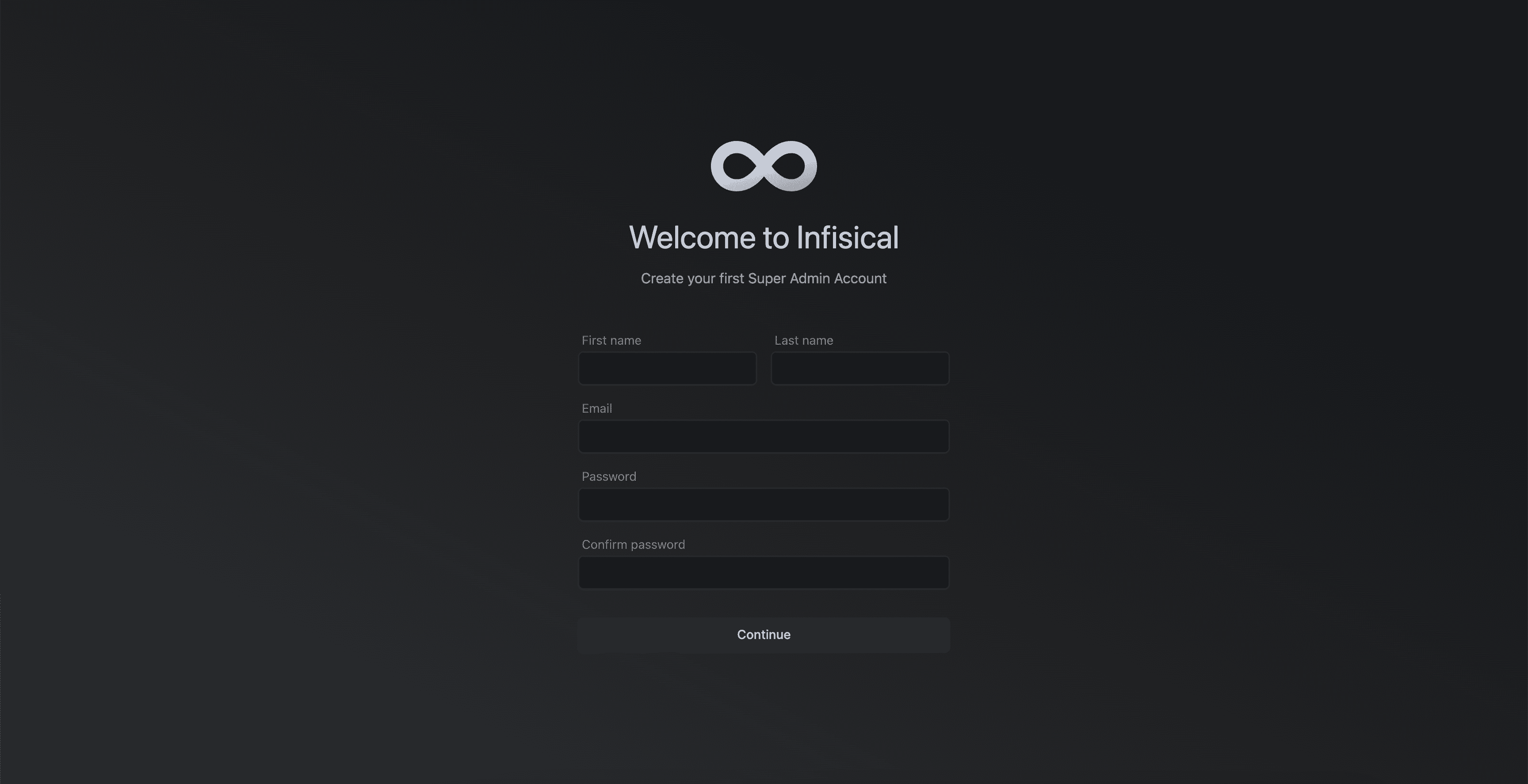
Your Infisical instance should now be running on port `80`. To access your instance, visit `http://localhost:80`.